
Tree service companies
Scope the tree. Hand off the work. Finish the cleanup.
Best software for tree service companies
Jobber for tree service: assessment photos, quotes with stump and haul-away options, deposits, crew visits and job costs. Compare Core, Connect and Grow.
We may earn a commission if you buy through our links — it doesn’t change our picks. How we make money →
Plan and feature details from vendor pricing and help pages, checked Oct 2026.



Our verdict
The right scope follows the crew.
Our pick is Jobber Grow for optional tree-work extras and job costing: $199/month for one login, $257 for three or $299 for five. Connect handles simpler team quotes and checklists; Core starts a solo operator at $49/month (standard monthly prices, checked October 30, 2026).
A tree service coordinating assessments, optional finishing work, several people and return visits.
A solo operator who only needs basic quotes and invoices; start with Core rather than paying for unused Grow tools.
A tree quote can look tidy while the job behind it is anything but: a narrow gate, a second crew, a stump left for Friday and a customer who thought haul-away was included. Jobber Grow is our pick for a tree service that wants the scope, crew handoff and job costs connected. Build the quote by tree and task, let the customer choose genuine extras, then give each visit its own instructions.
Start with Core if you’re working alone and need straightforward quotes, scheduling and deposits. Choose Connect for team checklists and simpler quotes. Grow earns its place when optional scope and knowing the cost of the whole removal matter together.
Sell the agreed finish, not just “tree work”
Walk the site before committing a crew to a substantial removal. On Core and higher, a request form can gather photos and custom answers; an assessment booking lets the customer choose a time for the estimate visit. It creates a request and an assessment. New assessment-booking forms require approval by default, so the office can review the appointment.
Our suggested intake is short: tree count and location, access through gates, nearby structures, the work requested and photos from useful angles. Treat those answers as a head start for the assessor. The office still turns the visit into a scoped quote. Jobber’s request and booking settings explain the fields and intake choices.
On the quote, name the tree and the task: “Rear-yard maple — agreed pruning scope,” then separate the cleanup that is already included. On Grow, make stump grinding, additional haul-away or wood chipping selectable only when they are genuine additions. The customer can select extras in client hub, see the total change and approve. When you convert the quote to a job, selected extras become normal job items; unselected extras stay out. A percentage deposit updates with the selected total. That’s the useful part of optional quote items: the customer chooses the finish before the truck arrives.
Tip: Put the agreed cleanup in the base description. “Branches stacked on site” and “all debris removed” are different jobs; make the quote say which one you’re selling.
For a larger job, add a fixed or percentage deposit to the quote. Core and higher support the base quote/deposit workflow. Online collection uses Jobber Payments; an offline deposit can be recorded manually. The deposit stays connected through the job and applies to the invoice. Use the deposit setup and our estimate-options comparison for the longer approval workflow.
Give each visit a job worth opening
One removal can span several days without becoming several disconnected jobs. Create a one-off job with multiple visits, assign the people needed each day and write internal Visit Instructions. Day one might carry the agreed tree scope and access notes; the return visit can carry stump work and the final cleanup list. Jobber supports up to 20 visits in one creation flow, and individual visits can be edited afterward.
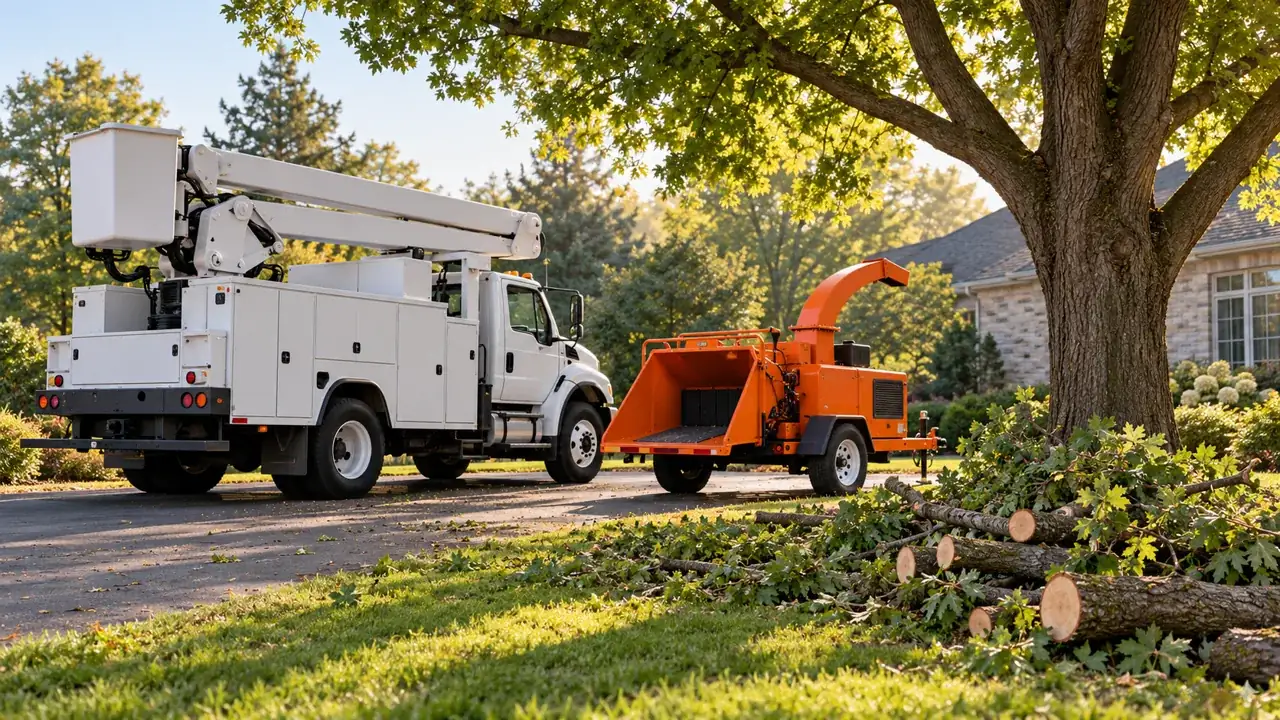
Use the instructions for the bucket truck, chipper, trailer and access arrangements the crew needs to know. Those are equipment notes for the handoff; the office owns the equipment booking. Jobber’s one-off job guide covers dates, assigned people and internal instructions. Assigning people to a visit is separate from the dedicated Plus-only Crew scheduling and Crew time tracking tools.
On Connect and higher, attach a checklist to the assessment, job or individual visit. Our suggested site-note record has fields for tree identifiers, access, nearby structures, equipment notes, changed conditions and photos. A signature field can capture a signoff. Use this to record the information your crew needs alongside your company’s own site procedures.
Jobber’s checklist builder supports text, dropdowns, checkboxes, photos and signatures. Required questions flag missing answers with a banner. Build the form around information the next person needs, rather than a long page everyone scrolls past. Our job-forms comparison has more field-building ideas.
Storm morning: triage first, move the board second
Give the office one intake queue instead of scattering storm work across voicemail, texts and scraps of paper. Use a request form for the address, photos and description, then review the scope and arrange the assessment or job. Keep the person handling customer contact clear from the start.
For booked work that needs to move, the New Schedule’s More → Reschedule & reassign tool lets you select appointments, change their date or assigned people, then confirm the batch. An individual visit move offers a Notify client email/text prompt; bulk reassignments don’t get that individual prompt. Jobber cancels reminders tied to the old visit time. These controls are in its New Schedule guide.
Our storm-day office routine is simple:
- Review incoming requests and separate new assessments from already-approved work.
- Move the affected booked visits and confirm who is assigned to each.
- Give one office person the affected-customer list. They send the revised plan and record replies before handing the board back to dispatch.
- Use Grow’s two-way client SMS for that conversation, or contact customers individually using your existing office channel. Connect’s automated reminders remain a different tool.
For existing recurring tree-maintenance jobs, More → Create New Visits can generate visits in bulk using client tags and job details. Jobber allows up to 100 jobs per batch, with up to 500 displayed. New one-off storm requests still need their own scope and job. The bulk-visit guide documents that recurring-job workflow.
Use our route-planning comparison for the day-board details. Finish the customer messages before optimizing the next run of stops.
Pick the plan for your quotes and office load
Standard USD prices checked October 30, 2026 on Jobber’s pricing page. Annual figures are monthly equivalents billed annually; temporary promotions are excluded.
| Plan | Monthly billing | Per month, billed annually | Included users | What we’d use it for |
|---|---|---|---|---|
| Core | $49 | $29 | 1 | Solo requests, quotes, deposits, jobs and invoices |
| Connect | $139 / $199 / $299 / $399 | $99 / $149 / $229 / $299 | 1 / 5 / 10 / 15 | Simpler team quotes, checklists, reminders and time/expense tracking |
| Grow | $199 / $299 / $399 / $499 | $149 / $229 / $299 / $399 | 1 / 5 / 10 / 15 | Selectable quote extras, job costing and two-way client SMS |
For Connect and Grow, added monthly users cost $29 each. The next table uses the least expensive published monthly bundle-plus-seats combination. Annual extra-seat rates aren’t published, so annual totals use a bundle covering the whole team.
| Logins, including the office | Connect monthly | Grow monthly | Connect per month, billed annually | Grow per month, billed annually |
|---|---|---|---|---|
| 1 | $139 | $199 | $99 | $149 |
| 2 | $168 | $228 | $149 | $229 |
| 3 | $197 | $257 | $149 | $229 |
| 4 | $199 | $286 | $149 | $229 |
| 5 | $199 | $299 | $149 | $229 |
| 6 | $228 | $328 | $229 | $299 |
Our buying call: Grow for a tree business selling optional finishing work and reviewing job costs; Connect for a team selling straightforward scopes; Core for a solo operator who doesn’t need those team tools. Count everyone who logs in, including the owner and office, rather than pricing by truck count.
The last load isn’t the last cost
On Grow, set each employee’s hourly cost before recording the work. Job costing combines job timesheets, line-item costs and expenses. Put labour through timesheets and record each material or expense once. A disposal bill entered as an expense shouldn’t also be counted in a line item’s cost.
For a one-off tree job, costing covers the job’s full duration. In-progress jobs show costs so far; completed jobs show profit percentage. Use that finished record to see how the job turned out, including the return visit. Costs are internal and permission-controlled. Jobber’s job-costing guide explains the inputs; our costing comparison goes deeper.
Keep progress and finish photos in the job notes so the office can answer the next call without chasing the crew. Notes and attachments are internal records; choose deliberately what you share with the customer. The mobile notes guide covers capture in the field.
Close the job after the agreed tree work, stump return and cleanup are finished. In Reviews, choose When a job closes for the review ask, rather than firing it after the deposit or first visit. Jobber limits requests to one per client every six months. Its Reviews guide covers the triggers.
Reviews comes through Marketing Suite: $99/month extra on Core, Connect or Grow, included on Plus, checked October 30, 2026. The add-on bills monthly even with an annual base plan and is unavailable during the trial. The Marketing Suite billing guide explains activation. Start with the quoting and crew handoff; add the review workflow when the office is ready to run it.
What we would do next
Three moves before you commit.
Build the tree quote
Name each tree/task, include the agreed cleanup and make genuine additions selectable on Grow.
Give each visit its handoff
Assign people, add access/equipment instructions and attach the site-note checklist.
Close after the last return
Reconcile hours and expenses, finish cleanup and trigger the review on job close.
Common questions
Quick answers.
Which Jobber plan fits a tree service company?
Grow is our pick for selectable stump grinding, haul-away or chipping extras plus job costing. Connect covers simpler quotes and team checklists; Core is for one user.
Can a removal and stump return stay on one job?
Yes. Use a one-off job with multiple visits, each with its assigned people, date and instructions.
Does bulk visit creation schedule new storm requests?
It creates visits on existing recurring jobs. Review and scope new one-off storm requests, then create their jobs.
Is Reviews included with Grow?
It comes through Marketing Suite, a $99/month add-on on Grow, Connect and Core, included on Plus (checked October 30, 2026). Use the job-close trigger after the work is finished.
Sources
Where these facts come from.
- Jobber standard plans, bundles and feature gates · checked October 30, 2026
- Jobber request photos and assessment bookings · checked October 30, 2026
- Jobber selectable quote extras · checked October 30, 2026
- Jobber quote deposits and invoice application · checked October 30, 2026
- Jobber multiple visits, people and instructions · checked October 30, 2026
- Jobber assessment and visit checklists · checked October 30, 2026
- Jobber bulk rescheduling and client notifications · checked October 30, 2026
- Jobber bulk visits for existing recurring jobs · checked October 30, 2026
- Jobber labour, material costs and profit display · checked October 30, 2026
- Jobber internal field notes and photos · checked October 30, 2026
- Jobber closed-job review requests · checked October 30, 2026
- Jobber Marketing Suite billing · checked October 30, 2026
- Jobber Core one-user quotes and deposits · checked October 30, 2026
Ready to look for yourself?
Explore Jobber with this guide beside you.
Take your must-have workflow into the trial, with the plan table beside you.
Visit Jobber ↗